
LABA7 Spring Rate Tester Software
We engineered our Software for Spring Rate Testers to eliminate the guesswork from suspension tuning. Paired directly, this Windows application gives workshop technicians exact force and displacement figures in real time.
We designed the interface to be purely pragmatic—allowing you to define travel limits, set maximum force caps, and pull accurate spring rates without navigating through endless menus.
To DOWNLOAD the Software, contact: support@laba7.com
- Automatic data export – save measurement data directly to CSV after each test.
- Wireless or USB operation – drive the test bench via a stable Wi-Fi connection or direct USB cable.
- Custom test cycles – configure manual, automatic, or stretch (reverse) tests with defined travel and force limits.
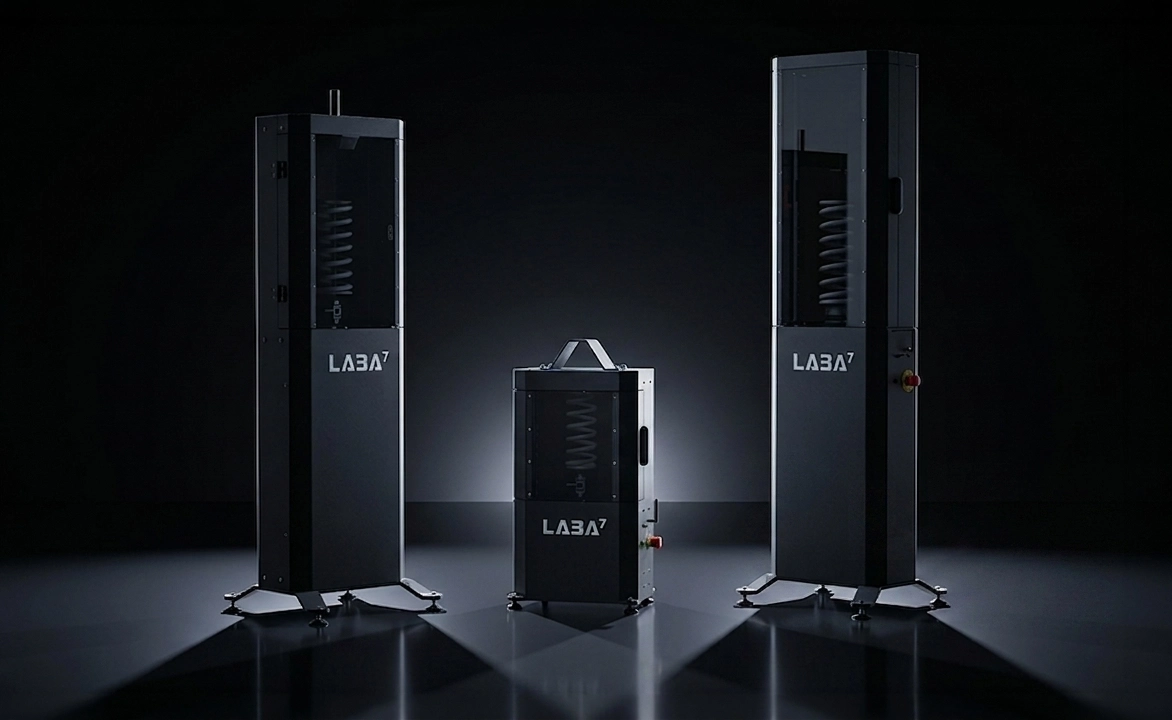
Diagnostics & Data Control
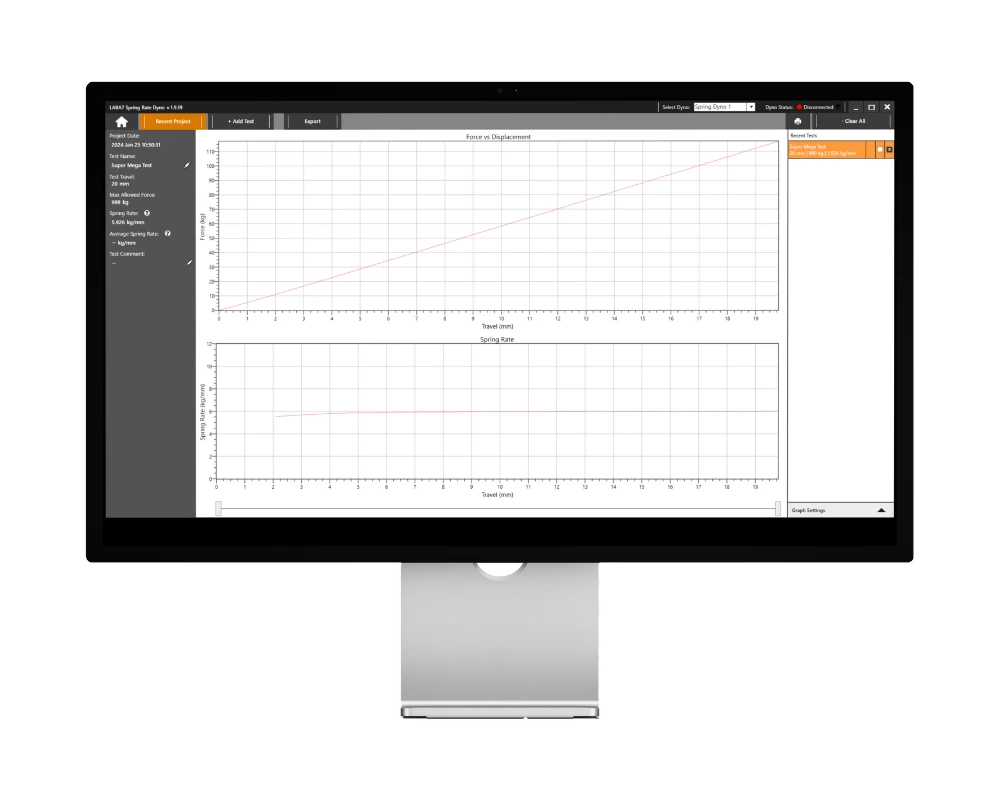
We know that analyzing an MTB fork requires a different sensitivity than testing a heavy off-road truck spring. To handle this, we built adjustable filtration settings directly into the software.
You can tweak the Spring Rate Window Width to improve the curve’s smoothness, or reduce the Smoothing Count to capture rapid, localized changes in stiffness without obscuring the data.
During a test, the software generates live Force vs. Displacement (Travel) and Spring Rate graphs. Once the stroke is complete, you can use the on-screen graph sliders to isolate a specific segment of the travel and calculate the exact spring rate for that distinct point.
PC System Requirements
Workshop Reports & Exporting
When the test completes, you do not have to log the results manually. We included an automatic CSV export function that dumps the raw measurement data straight into your designated local folder.
If you need to hand a physical record to a client, you can use the built-in print module. We structured the print preview to accept your workshop’s custom logo (160×80 px), along with personal technician comments, part numbers, and batch revisions to keep your operation highly professional.
Software Licensing & Setup
We do not charge recurring fees for our software. The full Windows license is included with your machine. We provide free software updates and one-on-one digital onboarding to get your shop running tests immediately.
Frequently Asked Questions
How does the software handle emergency stops?
If a technician engages the physical E-stop button on the machine, the system locks into an Emergency State to prevent injury. Even if the physical button is released, you must manually clear the lock using the “Reset Emergency State” command within the software’s graph settings before running another cycle.
Can I run the software offline?
Yes. While Wi-Fi is highly recommended for downloading periodic updates, you can run the machine entirely offline by selecting the “Serial USB” communication mode in the Dyno Settings tab and using the provided cable.
How do I adjust the graph if my preload alters the starting force?
If your spring requires heavy preload to sit in the machine, you can use the “Shift to 0” setting. This mathematically shifts the Force vs. Travel graph to start from 0 kg, making the curve easier to read while ignoring the initial preload force.
How do I download the Spring Rate Tester Software?
After purchasing your Spring Rate Tester, email our team at support@laba7.com. Our tech support engineers will verify your machine and send you the direct download link for the latest Windows installation file.